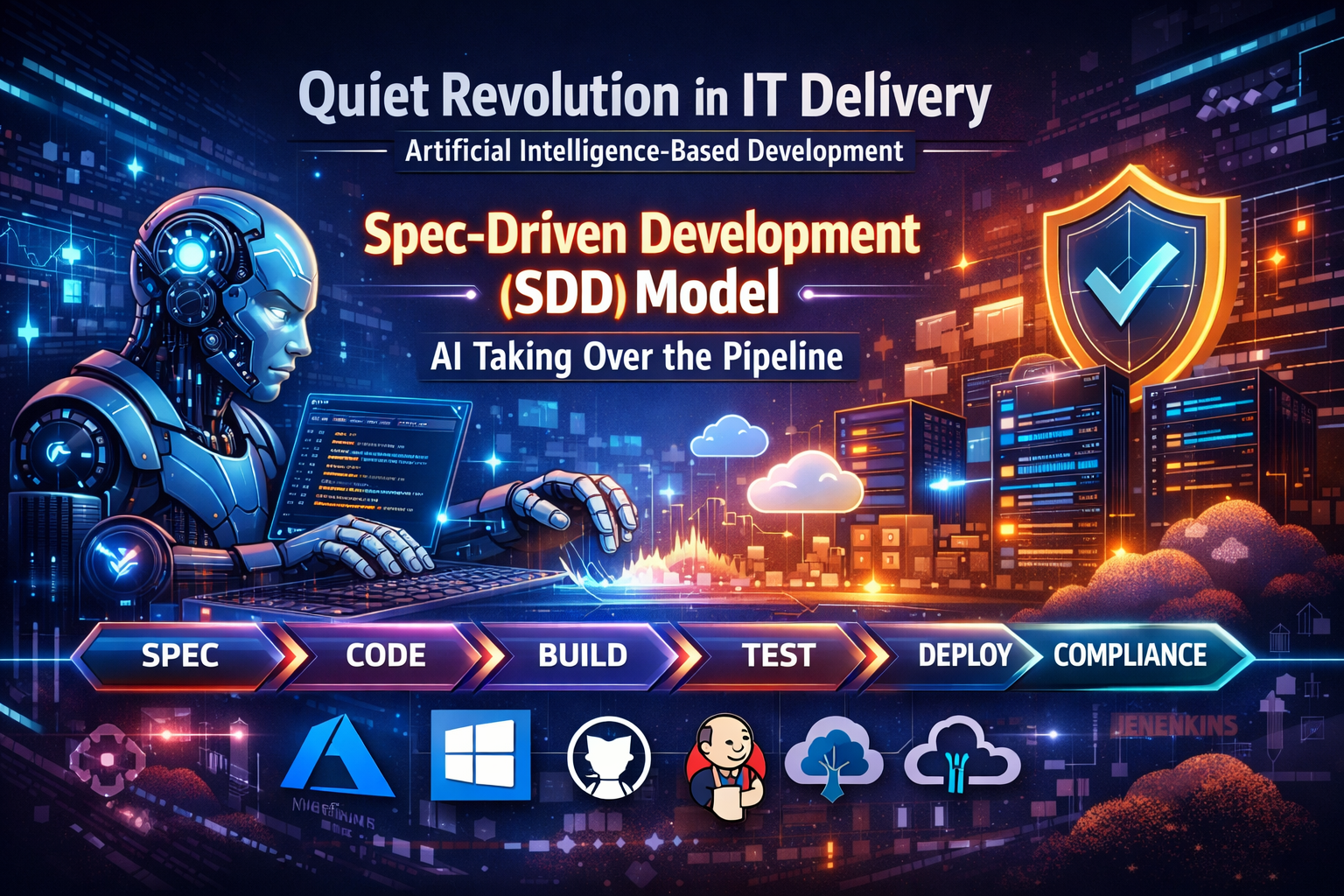
Artificial Intelligence Based Software Development
Over the last few years, cloud adoption has already transformed how organizations build and run technology. But today, something even more disruptive is happening quietly inside engineering teams: AI is changing how work itself gets done.
This shift is not only about developers writing code faster. It affects:
- How environments are created
- How pipelines are fixed
- How infrastructure is defined
- How documentation is written
- How security and compliance are enforced
For Product Managers, Program Managers, Architects, and non‑coding IT roles, understanding this shift is essential—because AI is now a core participant in the delivery process.
1. From Slow Setup to Instant Development Environments
The old way
Traditionally, building a development (DEV) environment involved:
- Manual setup
- Multiple handoffs between teams
- Long delays waiting for approvals
- Trial‑and‑error debugging
The AI‑enabled way
Today, AI can:
- Generate environment configurations automatically
- Create Infrastructure‑as‑Code (IaC) templates
- Detect errors when pipelines fail
- Suggest fixes immediately
A typical flow now looks like this:
- AI helps generate the DEV environment configuration
- The CI/CD pipeline is executed
- If errors appear, AI explains them
- Engineers fix the issue (often guided by AI)
- The pipeline is re‑run with confidence
This dramatically reduces time spent waiting and troubleshooting.
2. Why Companies Are Giving Developers Access to GitHub Copilot
Organizations are broadly enabling GitHub Copilot because:
- Legacy systems are hard to understand
- Documentation is often missing
- Experienced engineers are leaving or retiring
AI tools act as institutional memory:
- Explaining old code
- Suggesting modern replacements
- Generating tests for fragile systems
- Reducing the risk of breaking production systems
Copilot is no longer “just autocomplete.”
It is becoming a modernization assistant.
3. Windsurf: The AI‑First Development Environment
Alongside Copilot, many enterprises are adopting Windsurf (formerly Codeium).
What makes Windsurf different?
- It is an AI‑first IDE, not just a plugin
- It supports long‑running AI workflows
- It includes an AI chat panel directly in the editor
- It emphasizes security, documentation, and structure
With Windsurf:
- Code is generated with context
- Files are named correctly
- Documentation is produced automatically
- Architecture phases are clearly explained
This is especially valuable in large, regulated enterprises.
4. The New Development Model: Spec‑Driven Development (SDD)
A major shift is underway in how software is built.
The new standard flow
Define Specification→ AI Generates Code→ Review & Testing→ Refine Specification or Code→ Build Next Feature
This approach is known as Spec‑Driven Development (SDD) and is widely discussed by organizations like Thoughtworks and InfoQ.
Why this matters
- Humans focus on intent and design
- AI focuses on implementation
- Reviews and testing ensure quality
- Specifications become the source of truth
This replaces older Waterfall‑style SDLCs and even improves upon Agile by reducing waste.
5. Why “Prompt → Code” (Vibe Coding) Failed at Scale
Early AI adoption relied on simple prompts like:
“Write me a web service.”
This worked for demos—but failed in real enterprises due to:
- Context loss between iterations
- Architectural drift
- Security blind spots
- Compliance issues
SDD solves this by grounding AI in clear, structured specifications instead of casual prompts.
6. Real Enterprise Use Cases Where AI Delivers Value
a. On‑Prem to .NET or SQL Server Upgrades
AI helps:
- Understand legacy logic
- Generate modernization plans
- Reduce regression risk
b. Broken CI/CD Pipelines
AI can:
- Analyze pipeline failures
- Suggest fixes
- Restore automation
- Reduce manual deployments
c. Constant Patching and Vulnerabilities
AI accelerates:
- Security fixes
- Dependency updates
- Validation through testing
7. Azure Migration Goals Enabled by AI
Organizations migrating to Azure often aim to:
- Improve infrastructure and platform maturity
- Expand containerized .NET workloads
- Adopt serverless architectures
- Implement Infrastructure as Code (Terraform)
- Enable container security (e.g., Wiz scanning)
- Enforce layered security (private endpoints, WAF, no public access)
- Standardize logging and monitoring (Serilog, Application Insights)
AI significantly reduces the effort needed to achieve these goals.
8. Infrastructure‑as‑Code (IaC): How AI Changes the Timeline
What early AI‑assisted commits look like
- AI generates Terraform or ARM templates
- Teams still require review and approvals
- Architecture boards validate designs
What changes over time
- Hand‑coding becomes rare
- PowerShell scripts are AI‑generated
- Learning curves flatten dramatically
- Knowledge gaps disappear
You no longer need to “buy a new book” to learn every tool—AI writes the code for you.
9. Natural Language Is Becoming the New Interface
Today, users can simply say:
“Create an Azure subscription with SQL backend, private endpoints, and a Web Application Firewall.”
AI will:
- Generate Terraform code
- Configure networking
- Apply security best practices
In 2020, this required weeks of manual coding.
Today, it takes minutes.
10. Where AI Helps the Most (Enterprise Pressures)
| Enterprise Pressure | Why AI Is Adopted |
|---|---|
| Legacy modernization | AI lowers risk, not just effort |
| Talent shortages | AI becomes institutional memory |
| Security exposure | Faster remediation with review gates |
| CI/CD fragility | AI restores automation safely |
| Scale constraints | Review‑centric models scale better |
11. Organizational Friction Still Exists
AI does not eliminate:
- Review cycles
- Security approvals
- Infrastructure governance
However, it reduces friction by:
- Producing clearer code
- Generating better documentation
- Making reviews faster and safer
Improving review processes is now the next frontier.
12. How Enterprises Roll AI Out in Phases
- Phase 1 – Copilot / Windsurf enabled
- Phase 2 – Guardrails and security tooling
- Phase 3 – Spec‑Driven Development
- Phase 4 – Developers become reviewers/architects
- Phase 5 – AI handles most implementation work
13. The New Developer Experience
Developers now operate across three layers:
- Infrastructure provisioning (often ticket‑based)
- Admin automation (SSL rotation, Key Vault tasks)
- Documentation and architecture artifacts
AI assists in all three.
14. Why This Is Impressive (Even to Experienced Developers)
AI can:
- Write Terraform
- Create architectural documentation
- Explain security layers
- Generate inline comments
- Review pull requests
- Measure AI vs human contribution via PR analytics
Documentation quality is improving—and it outlives individual developers.
15. The Modern Tool Stack
A common AI‑enabled workflow:
- Create an Azure account
- Code in Windsurf
- Commit to GitHub
- Deploy via pipeline
- Monitor via Application Insights
Conclusion: A New Way of Working
AI is not replacing people—it is changing what people focus on.
Humans now:
- Define intent
- Review outcomes
- Make architectural decisions
AI:
- Writes code
- Documents systems
- Fixes pipelines
- Enforces consistency
This is not the future.
This is already happening.

